Re-enable a Token
Once the token is revoked, you can re-enable the token. After you re-enable the token, you can use it to register new devices.
To re-enable the token,
-
From the token list, select the revoked token to re-enable.
The token details display on the right pane.
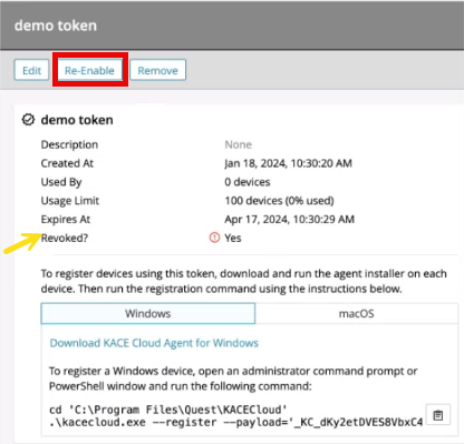
- Click the Re-Enable button.
- Click Confirm.